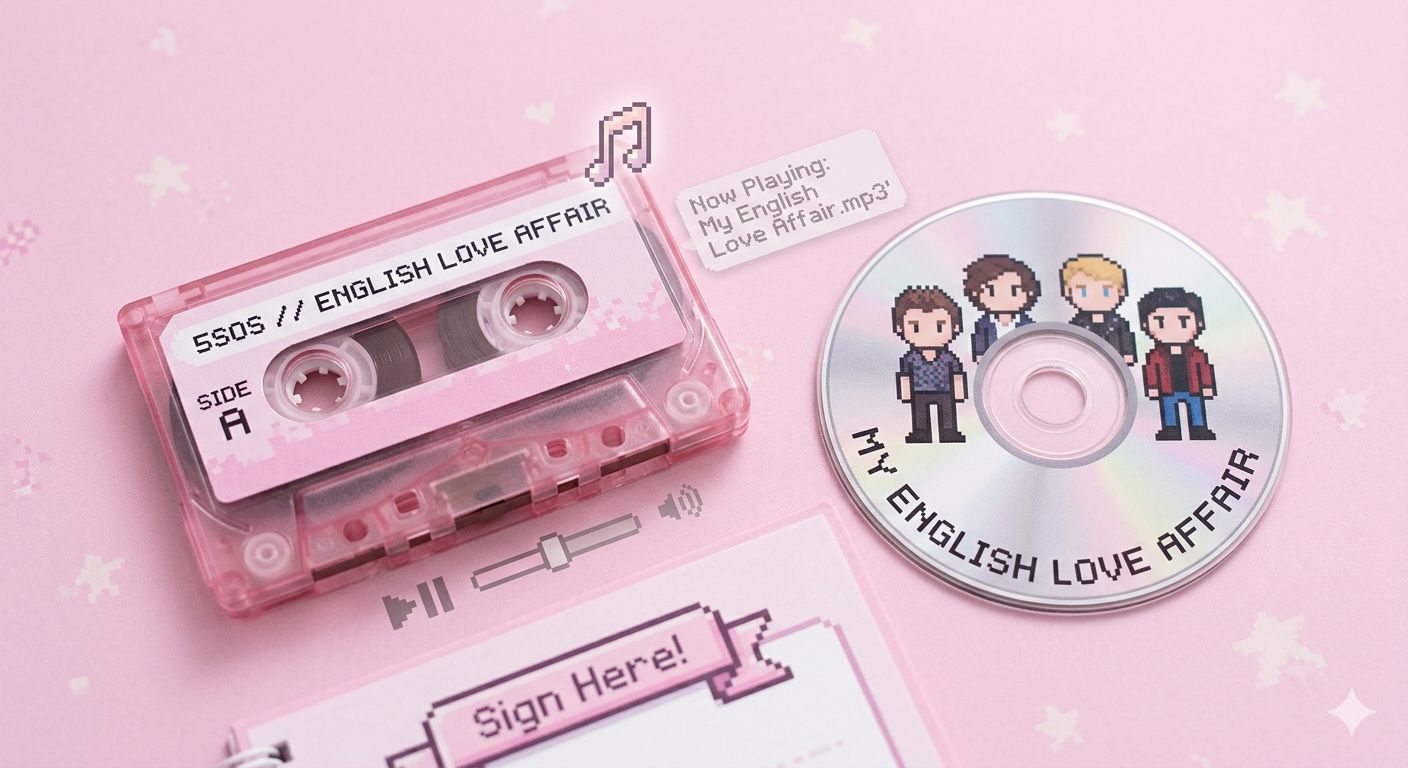
Learn how to build the little pink music widget that floats over your page and plays a song
★ LIVE DEMO
Click the 🎵 bubble to open the player, and the ✕ inside the card to close it again. You can also grab the ••• bar at the top of the card and drag it anywhere on the page — try it below, it behaves exactly like it will once you copy the code. (Here it's boxed inside this demo area; on your actual site, using position: fixed instead of absolute lets it float over the whole page.)
•••
NOW PLAYING
My English Love Affair
5 Seconds of Summer
VOL
★ STEP 1: HTML STRUCTURE
The widget has two parts: a small round toggle button (the 🎵 bubble that's always visible, usually pinned to a corner with fixed position) and the player card itself, which is hidden until you click the bubble. Inside the card we have the cover art, the "now playing" text, the title/artist, the control buttons, a volume slider, and a hidden <audio> tag that does the actual playing.
mp-toggle: The floating note bubble that opens/closes the player.
mp-player: The card holding everything else, hidden by default.
mp-cover: The album art image.
mp-controls: Like, previous, play/pause and next buttons.
mp-volume: A native range input styled to match the theme.
<audio id="mpAudio">: Invisible, does the real work of loading and playing the mp3.
Swap img/cover.jpg for whatever album art or gif you're using, and swap audio/song1.mp3 for wherever your track lives.
A quick note on that last part: I originally wanted to keep the audio file inside Neocities, but at the time Neocities didn't support uploading audio files directly. So instead I uploaded the mp3 to catbox.moe, a free file host, which gave me a direct link I could drop straight into the src: https://files.catbox.moe/so1llo.mp3. That's the link you'll see used for the audio throughout this tutorial.
★ STEP 2: CSS STYLES
The toggle bubble is position: fixed so it stays on screen while you scroll, with a soft pink shadow to make it feel clickable. The player card is also fixed, pinned above the bubble, and starts display: none — a class called .open switches it on. Everything reuses the same rounded, dashed-border, pastel pink language from the rest of the site so it feels consistent.
CSS
/* ============================================
   FLOATING NOTE BUBBLE
   The little round button that's always visible
   ============================================ */
.mp-toggle {
  position: fixed;        /* stays put even when the page scrolls */
  right: 24px;             /* distance from the right edge of the screen */
  bottom: 24px;            /* distance from the bottom edge */
  width: 52px;
  height: 52px;
  border-radius: 50%;      /* 50% on a square = a perfect circle */
  border: 3px solid #e55c8a;   /* the pink outline — change this hex for a different color */
  background: #ffcfe1;         /* light pink fill */
  color: #e55c8a;               /* color of the 🎵 emoji/text inside */
  font-size: 22px;              /* size of the emoji */
  cursor: pointer;              /* shows a hand on hover, hinting it's clickable */
  box-shadow: 0 4px 10px rgba(229, 92, 138, .35); /* soft pink glow under the button */
  transition: transform .2s ease; /* makes the hover scale animate smoothly instead of snapping */
  z-index: 999;             /* keeps it above other page content */
}

.mp-toggle:hover {
  transform: scale(1.08);  /* slightly grows the bubble on mouse-over */
}

/* ============================================
   PLAYER CARD
   Hidden by default, shown when .open is added
   ============================================ */
.mp-player {
  position: fixed;         /* same idea as the bubble — floats over the page */
  right: 24px;
  bottom: 90px;             /* sits just above the bubble (24px + bubble height + gap) */
  width: 210px;             /* overall card width — make it wider for bigger cover art */
  background: #ffffff;
  border: 3px solid #e55c8a;
  border-radius: 22px;      /* rounded corners for the soft, bubbly look */
  padding: 16px;            /* inner spacing so content isn't glued to the border */
  text-align: center;
  box-shadow: 0 6px 16px rgba(0,0,0,.15); /* drop shadow to lift the card off the page */
  display: none;            /* hidden until JS adds the .open class below */
  z-index: 998;             /* just under the bubble (999) so the bubble stays clickable on top */
}

/* This class gets toggled on/off by toggleMp() in the JavaScript */
.mp-player.open {
  display: block;           /* switches the card from hidden to visible */
}

/* Top bar with the ••• dots and the ✕ close button — also the drag handle */
.mp-header {
  display: flex;
  justify-content: space-between; /* pushes ••• to the left, ✕ to the right */
  align-items: center;
  color: #e55c8a;
  font-size: 12px;
  margin-bottom: 8px;
  cursor: move;              /* shows a "move" cursor so people know they can drag from here */
  user-select: none;         /* stops the ••• text from getting highlighted while dragging */
}

.mp-close {
  border: none;              /* strip default button styling */
  background: none;
  color: #e55c8a;
  cursor: pointer;
  font-size: 13px;
}

/* The square album art image */
.mp-cover {
  width: 100%;               /* fills the card width */
  aspect-ratio: 1 / 1;       /* forces a perfect square regardless of the image's real size */
  object-fit: cover;         /* crops the image to fill the square instead of stretching it */
  border-radius: 14px;
  image-rendering: pixelated; /* keeps pixel-art covers crisp instead of blurry when scaled */
  margin-bottom: 10px;
}

/* Small "NOW PLAYING" label above the song title */
.mp-now-playing {
  font-family: 'Silkscreen', cursive; /* the site's pixel font */
  color: #e55c8a;
  font-size: 10px;
  letter-spacing: 1px;       /* adds a little breathing room between letters */
  margin: 0 0 4px;
}

.mp-title {
  font-size: 14px;
  color: #6d2f44;             /* darker pink/maroon for better readability than the bright pink */
  margin: 0;
}

.mp-artist {
  font-size: 12px;
  color: #b46583;             /* muted pink, one step lighter than the title */
  margin: 2px 0 12px;
}

/* Row that holds like / previous / play / next */
.mp-controls {
  display: flex;
  justify-content: center;
  align-items: center;
  gap: 10px;                  /* even spacing between the buttons, no need for manual margins */
  margin-bottom: 12px;
}

/* Base style shared by all round control buttons (like, prev, next) */
.mp-btn {
  border: 2px solid #e55c8a;
  background: #ffcfe1;
  color: #e55c8a;
  border-radius: 50%;         /* circular buttons */
  width: 32px;
  height: 32px;
  cursor: pointer;
  font-size: 13px;
}

/* The play/pause button is bigger and filled solid, to stand out as the main action */
.mp-btn--play {
  width: 40px;
  height: 40px;
  font-size: 16px;
  background: #e55c8a;        /* solid pink instead of the light outline style */
  color: #fff;
}

/* Added by JS (toggleLike) once the visitor clicks the ♡ */
.mp-btn.liked {
  background: #e55c8a;        /* fills in solid pink to show it's "active" */
  color: #fff;
}

/* Row with the VOL label and the slider */
.mp-volume {
  display: flex;
  align-items: center;
  gap: 8px;
  justify-content: center;
}

.mp-vol-label {
  font-family: 'Silkscreen', cursive;
  font-size: 9px;
  color: #e55c8a;
}

/* Styles the native browser volume slider to match the pink theme */
.mp-volume input[type="range"] {
  accent-color: #e55c8a;      /* colors the filled track + thumb in one line, no extra markup needed */
  width: 100px;
}
★ STEP 3: JAVASCRIPT
Just like the fortune box, everything lives in one array — this time a playlist of objects with a title, artist, cover and mp3 url. loadSong() fills in the card from the current index, togglePlay() plays/pauses the hidden <audio> element and flips the ▶/⏸ icon, and nextSong() / prevSong() just move the index (wrapping around with the % operator) and reload.
JS
// Your playlist
const playlist = [
  {
    title: "My English Love Affair",
    artist: "5 Seconds of Summer",
    cover: "img/5sos.png",
    src: "audio/song1.mp3"
  },
  {
    title: "Another Song",
    artist: "Another Artist",
    cover: "img/cover2.jpg",
    src: "audio/song2.mp3"
  }
  // add as many as you like
];

let currentSong = 0;
let liked = false;

const audio = document.getElementById("mpAudio");

function loadSong() {
  const song = playlist[currentSong];
  document.getElementById("mpCover").src = song.cover;
  document.getElementById("mpTitle").innerText = song.title;
  document.getElementById("mpArtist").innerText = song.artist;
  audio.src = song.src;
}

function toggleMp() {
  document.getElementById("mpPlayer").classList.toggle("open");
}

function togglePlay() {
  const playBtn = document.getElementById("mpPlayBtn");
  if (audio.paused) {
    audio.play();
    playBtn.innerText = "⏸";
  } else {
    audio.pause();
    playBtn.innerText = "▶";
  }
}

function nextSong() {
  currentSong = (currentSong + 1) % playlist.length;
  loadSong();
  audio.play();
  document.getElementById("mpPlayBtn").innerText = "⏸";
}

function prevSong() {
  currentSong = (currentSong - 1 + playlist.length) % playlist.length;
  loadSong();
  audio.play();
  document.getElementById("mpPlayBtn").innerText = "⏸";
}

function toggleLike() {
  liked = !liked;
  document.getElementById("mpLike").classList.toggle("liked", liked);
  document.getElementById("mpLike").innerText = liked ? "♥" : "♡";
}

function setVolume(value) {
  audio.volume = value;
}

// Reset the play icon automatically when a song finishes
audio.addEventListener("ended", () => {
  document.getElementById("mpPlayBtn").innerText = "▶";
});

// Set up the first song and starting volume on page load
loadSong();
audio.volume = 0.6;
★ STEP 4: SHOW/HIDE BUTTONS + DRAGGING
Two separate things happen here. First, the show/hide logic: toggleMp() just adds or removes the open class on mp-player, and that class is what the CSS uses to switch between display: none and display: block. Both the 🎵 bubble and the ✕ button call the exact same function — the bubble to open it, the ✕ to close it — so you only need one piece of logic for both.
Second, dragging: we listen for mousedown (and touchstart for mobile) on the mp-header bar only — not the whole card, so clicking buttons still works normally. On the first drag we switch the card from being positioned with right/bottom to left/top, based on where it currently is on screen, then update those values as the mouse moves. On mouseup we just stop listening.
JS
// --- SHOW / HIDE ---
// Called by both the 🎵 bubble and the ✕ button
function toggleMp() {
  document.getElementById("mpPlayer").classList.toggle("open");
}

// --- DRAG AROUND THE PAGE ---
const player = document.getElementById("mpPlayer");
const dragHandle = player.querySelector(".mp-header");

let isDragging = false;
let offsetX = 0;
let offsetY = 0;

function startDrag(clientX, clientY) {
  const rect = player.getBoundingClientRect();

  // Switch from right/bottom to left/top the first time you drag,
  // so the card stops being anchored to the corner
  player.style.left = rect.left + "px";
  player.style.top = rect.top + "px";
  player.style.right = "auto";
  player.style.bottom = "auto";

  offsetX = clientX - rect.left;
  offsetY = clientY - rect.top;
  isDragging = true;
}

function moveDrag(clientX, clientY) {
  if (!isDragging) return;
  player.style.left = (clientX - offsetX) + "px";
  player.style.top = (clientY - offsetY) + "px";
}

function stopDrag() {
  isDragging = false;
}

// Mouse events (desktop)
dragHandle.addEventListener("mousedown", (e) => {
  if (e.target.closest(".mp-close")) return; // don't drag when closing
  startDrag(e.clientX, e.clientY);
});
document.addEventListener("mousemove", (e) => {
  moveDrag(e.clientX, e.clientY);
});
document.addEventListener("mouseup", stopDrag);

// Touch events (mobile)
dragHandle.addEventListener("touchstart", (e) => {
  if (e.target.closest(".mp-close")) return;
  const touch = e.touches[0];
  startDrag(touch.clientX, touch.clientY);
});
document.addEventListener("touchmove", (e) => {
  if (!isDragging) return;
  const touch = e.touches[0];
  moveDrag(touch.clientX, touch.clientY);
});
document.addEventListener("touchend", stopDrag);
The ✕ button lives inside mp-header too, so make sure its own click doesn't start a drag — that's already handled in the demo below by giving the button its own onclick="toggleMp()", which fires instead of the drag on a simple click.
★ CUSTOMIZATION AND TIPS
Host your mp3s somewhere free: Neocities lets you upload audio files directly, or you can use a free host like catbox.moe and paste the direct link into src in the playlist array.
Autoplay on load: browsers block autoplay with sound, so it's best to leave the first click to the visitor — that's why the player starts paused instead of trying to auto-play.
Remember the volume: save the slider value with localStorage.setItem("mpVolume", value) inside setVolume(), and read it back on load, so it stays the same across page visits.
Keep it on screen: add a check inside moveDrag() that clamps left/top between 0 and window.innerWidth - player.offsetWidth (and the same for height), so the card can't be dragged off-screen.
Remember its position too: save left/top to localStorage inside stopDrag(), and apply them on page load, so the player stays wherever the visitor last left it.
Spinning cover animation: add a slow spin while playing:
.mp-cover.spinning {
  animation: spin 6s linear infinite;
}
@keyframes spin {
  from { transform: rotate(0deg); }
  to { transform: rotate(360deg); }
}
then toggle the spinning class on the cover inside togglePlay(), nextSong() and prevSong().
Show a progress bar: listen to audio.addEventListener("timeupdate", ...) and update a slim <div>'s width based on audio.currentTime / audio.duration.